
The Licensure add-on enables a dashboard widget that allows you to self-report credentials and set corresponding expiration dates for compliance. Admins manage notification settings and the form used to input license information. Notifications are sent through email and through in-app notifications.
License creation
To create a license, navigate to the dashboard. Select the Add license button in the Licenses widget. Fill out the license name, set an expiration date, and fill out the license form, which will appear below the Additional info section.
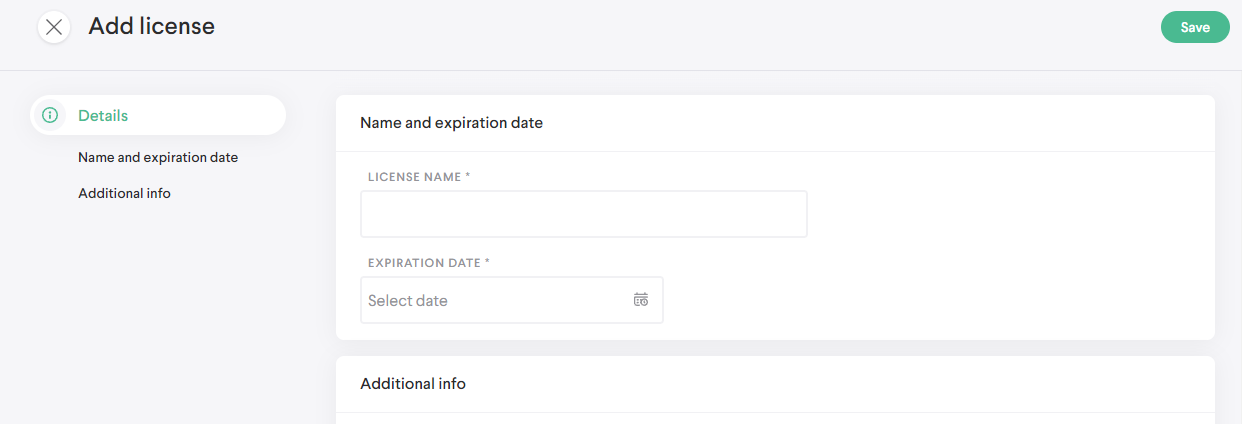
Once saved, the license will get added to the license list in the widget, where your three most recently created licenses will appear. To see the full list, select the View all button, which will display the status and expiration date below the title of each license.
Select an entry from the table to view the license detail and see its status history.
Renewal
When a license expires or when it's nearing expiration (less than one month away), you'll have the ability to renew your license. You can initiate this action from the License widget View all or from a license detail.
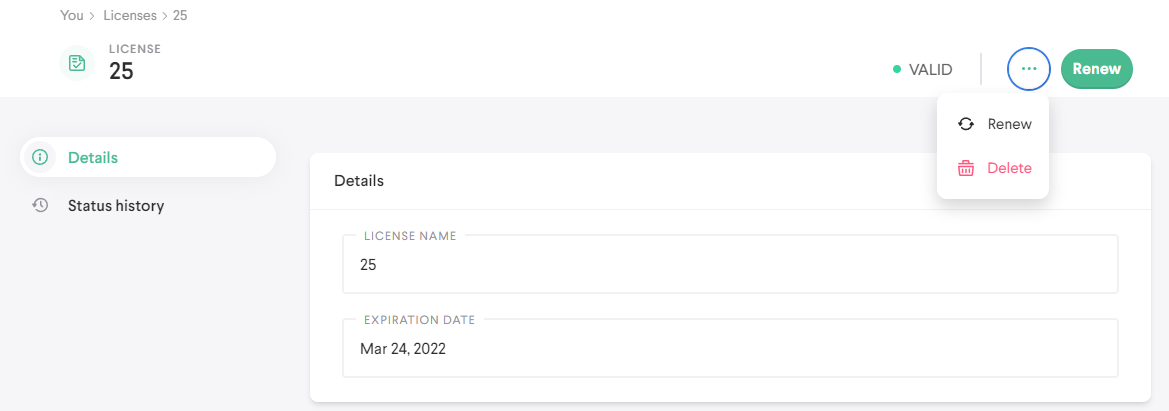
Selecting the Renew will bring you to the renewal screen. You can set a new expiration date for the next period and enter new responses on the license form. When you save the license, it'll update and show a new expiration date.
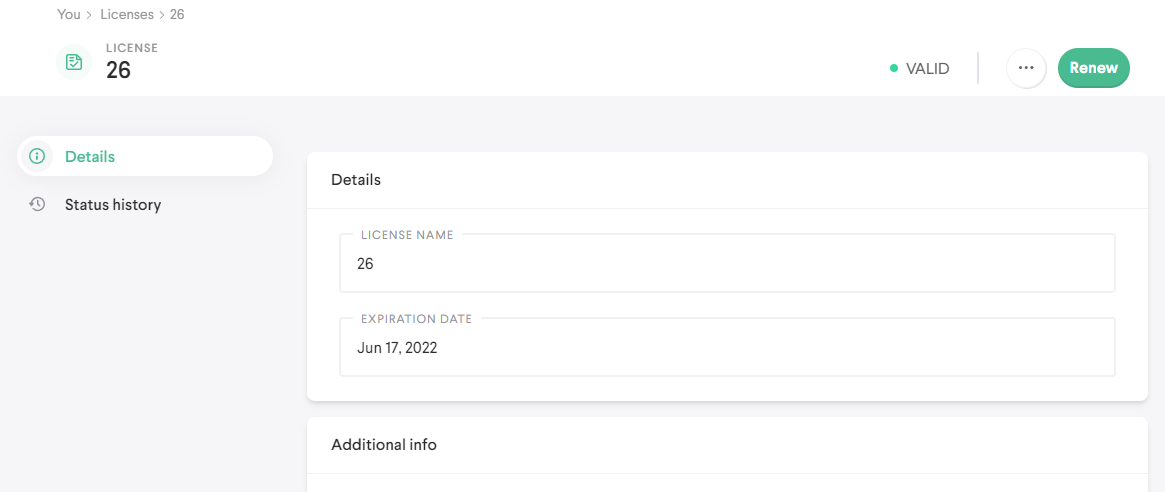
You can select any license from the list and see your renewal history from the Status history tab. Your responses on the license form will be saved when you create the license and upon each renewal. Information on each renewal period will remain accessible.
Deletion
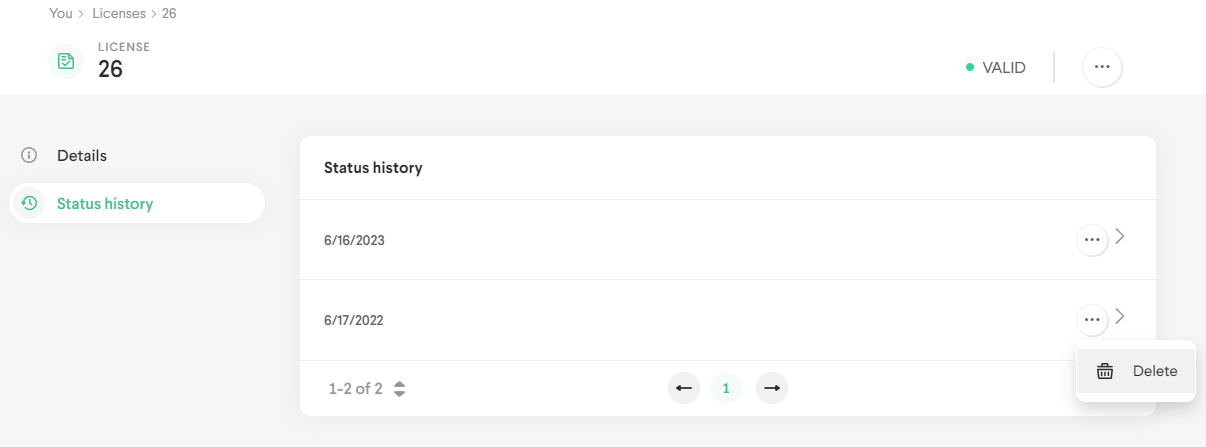
You can delete a renewal period or an entire license at any time. To delete a renewal period, navigate into a license detail and select the Status history tab. Hover over an entry, select the more button  , then select delete. You won't be able to delete the last entry in the table.
To delete the license entirely, select the more button in the top right corner of the screen and select the "Delete" option.
Notifications
Depending on how Admins have configured the add-on, you may receive notifications relating to licenses. Notifications are sent both through email and the app. The following are the possible notifications:
- A reminder that you haven't yet created a license
- An alert that your license is set to expire, sent a number of days before expiration
- An alert that your license has expired
Comments
0 comments
Please sign in to leave a comment.