
If you should lose your internet connection, Loop can also operate while in offline mode. Offline functionality is limited but gives you the ability to view content which you have selected to be available offline. Making content offline will download it locally to your device
A few considerations regarding this feature
- Depending on your connection speed and the size of the content file, it may take some time for the download to finish
- Keep in mind the size of the file and the amount of space available on your device. Making content available offline will occupy storage space
- Additionally, be aware if you're connected to Wi-Fi or connected to your service provider's network when you make content available offline. If you have a data cap then this will contribute towards your data limit with your provider's network
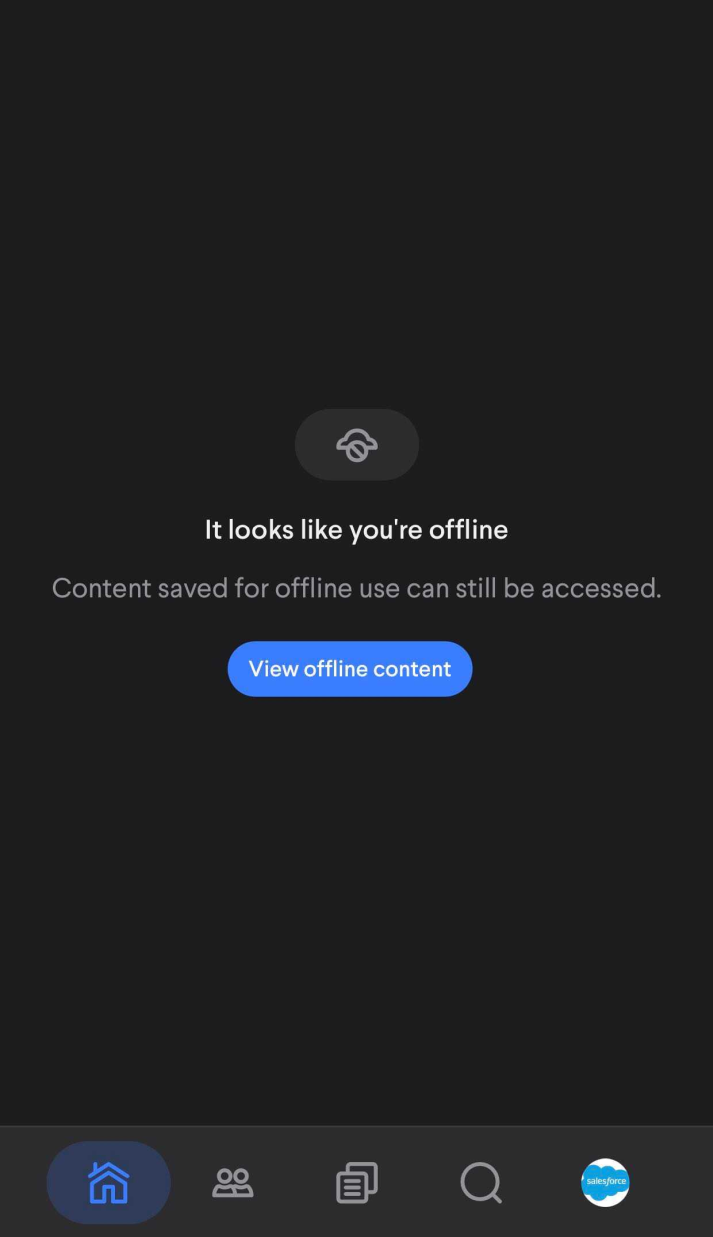
When in offline mode only your profile tab will be available for use. Otherwise you will see the screen above at any of the other tabs.
Making content available offline
You can make any content item you have access to available offline.
1. To do this, open a content item in the viewer and select the "..." button
- Video, pdf, audio, document, image, interactive
2. Then select the 'Make available offline' option
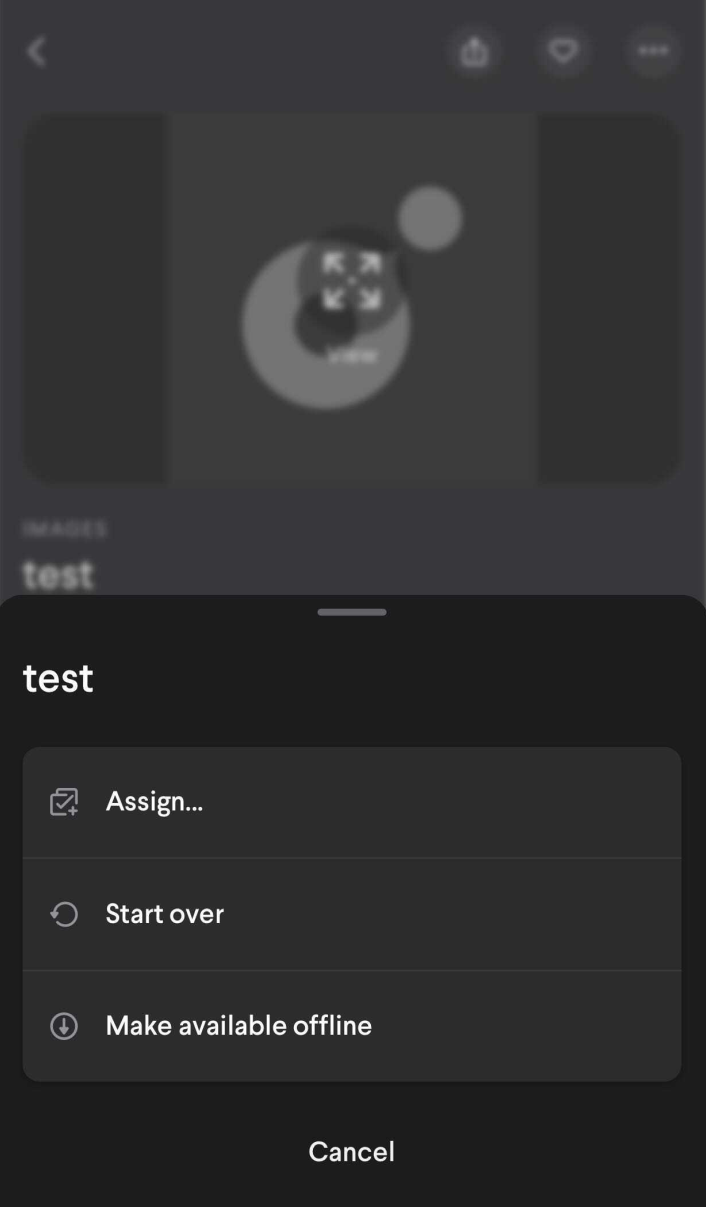
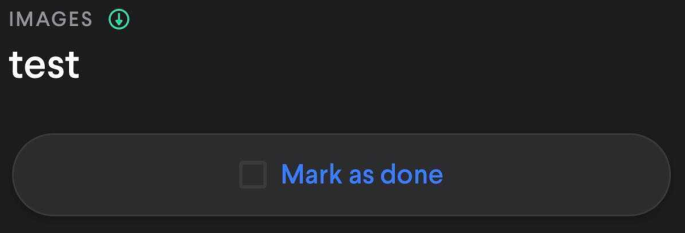
3. The content item will then download. The status can be viewed near the content title in the viewer
When it is finished a green icon will appear indicating that the item has been downloaded and is available offline.
Viewing offline content
You can view the content that you have made offline when online or offline.
1. First select your profile tab on the right side of the action drawer at the bottom of the screen
2. Then select 'Offline content'. This will show you a list of all content you have made available offline
3. Selecting any item from the list will open the viewer where you can see the content
Viewing content here with an internet connection will allow you to perform online interactions such as favorite or share. Once the connection is broken you will only have the ability to view the content, the title, and the description
Comments
0 comments
Please sign in to leave a comment.