
Lessons serve as a way to group lots of content into a single item. You may see lessons in the Content tab or as an assignment. The Lesson is structured to allow you to walk through each content item in the same view, making your experience more efficient.

Completing a Lesson
To complete a lesson all of the content within must be also be complete. In the upper right corner you can see a counter showing how much content remains in the lesson.
Enter each content item and perform the necessary actions for completion. The needed actions depend on the content type.
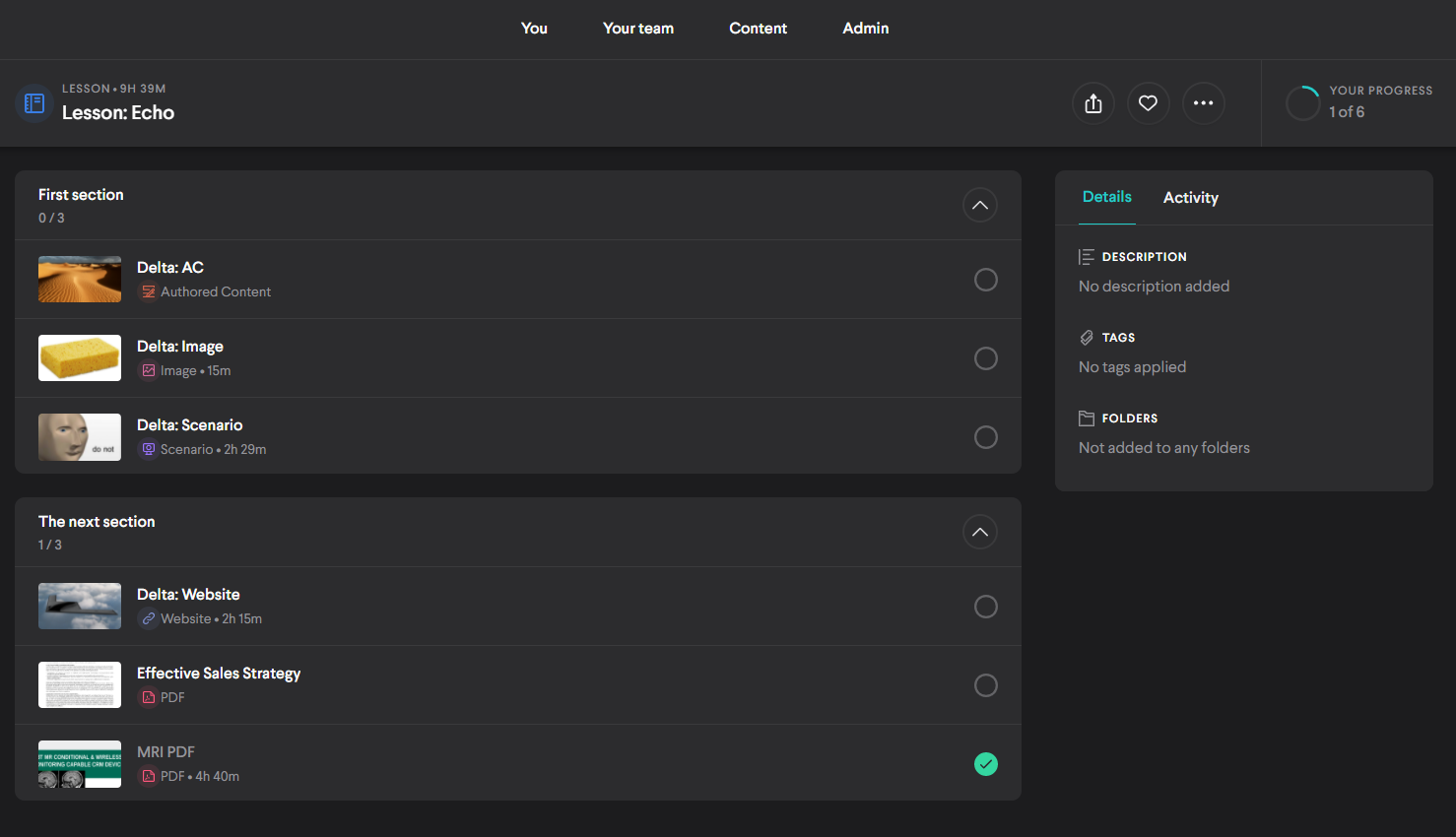
Some Lessons may have multiple sections as well as gating, indicated by a lock icon. You won't have access to view those items until you complete the items leading up to them.
When you've completed all items within the Lesson, your progress bar will show that it's complete. If the Lesson is an assignment, the status will also update for coaches and admins.
Comments
0 comments
Please sign in to leave a comment.