
Not all content can be downloaded. For content that can, you’ll see the option when you’re in the content viewer.
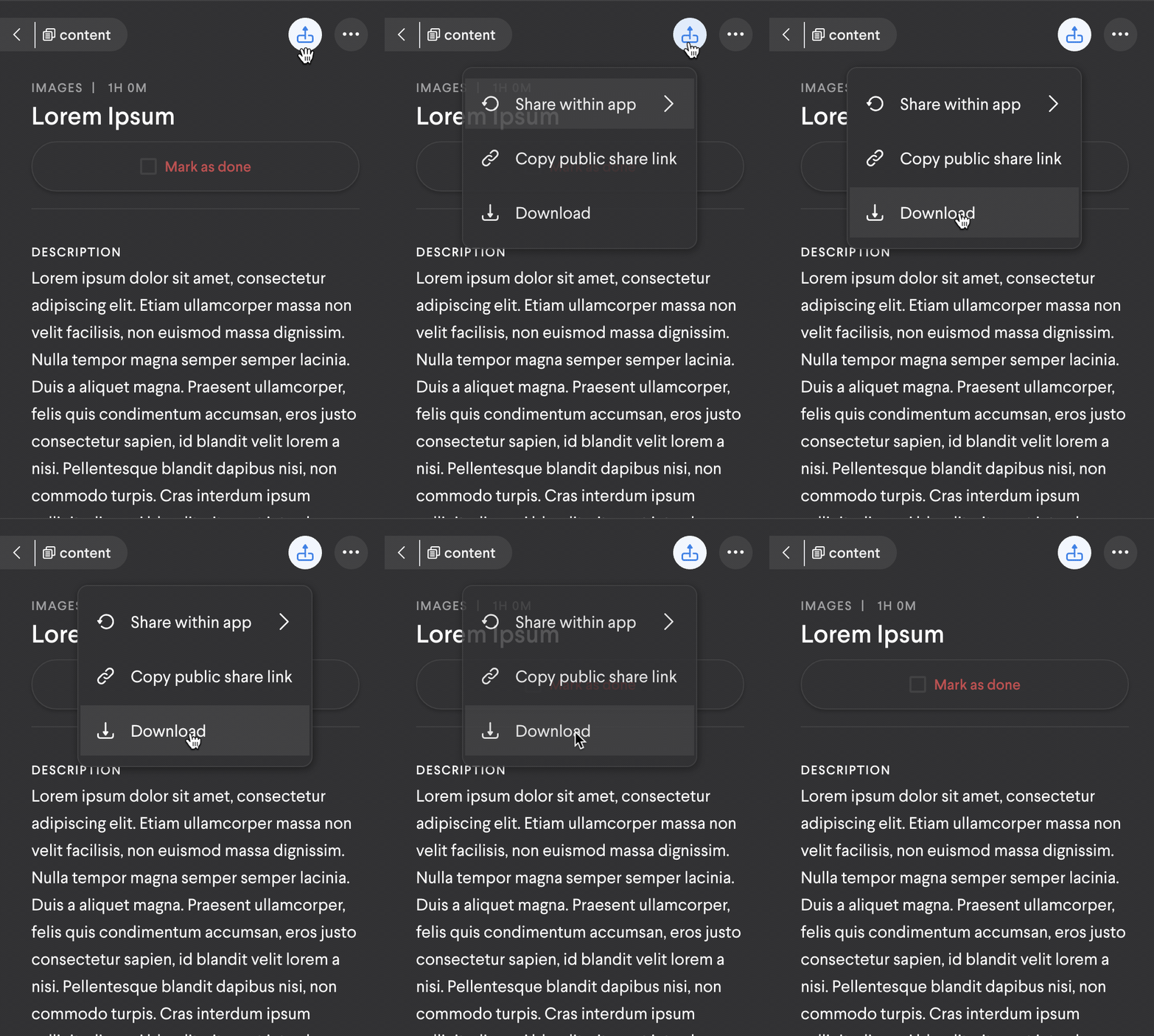
In the left side panel, select the share icon and you'll see Download. Once you select it, the content will download directly to your device. The file will be saved using the title of the content itself, which makes finding it a lot easier! The save location is dictated by your browser or device settings.
The process looks like this:
Comments
0 comments
Please sign in to leave a comment.