
Your learning record is a compilation of content you have completed in and outside of an assignment. To access your learning record navigate into your profile and scroll down to the Learning Records widget. The widget will display your most recent records in the profile view. Select the View All button to see your complete list.
You can select any row to view more details about that specific piece of content. Once you make a selection a list displaying your attempts will appear
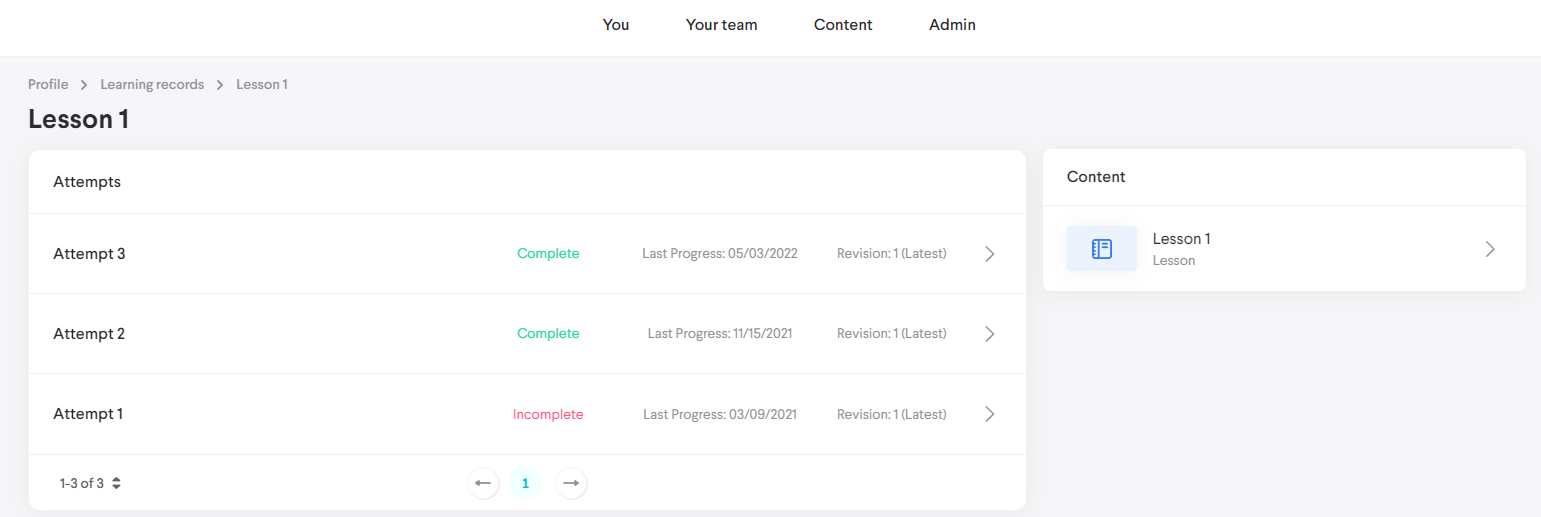
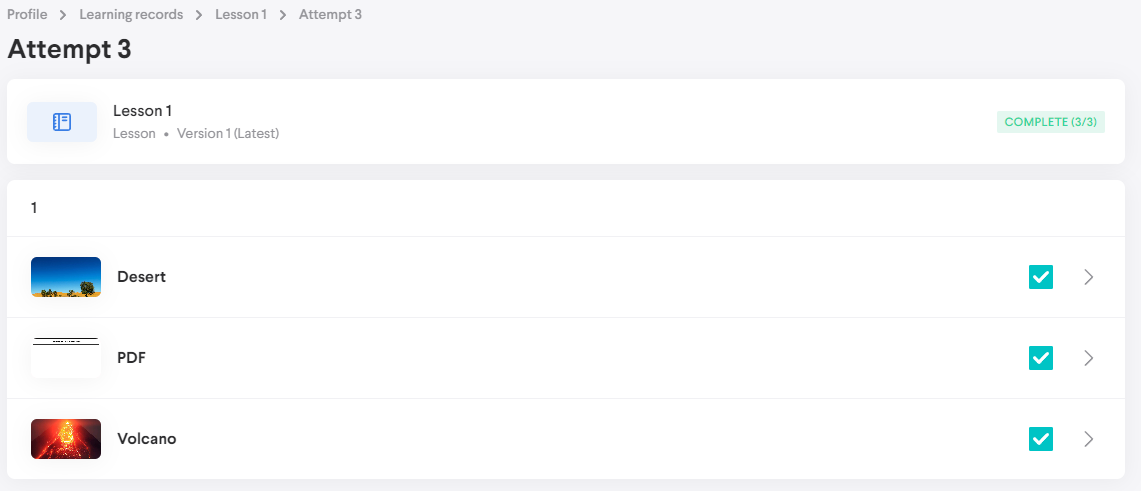
Select an attempt to view its details.
Comments
0 comments
Please sign in to leave a comment.