
Notification settings
All admin notification controls are located in Admin > Settings > Notifications and accessible to super admins only.
It contains the following sub sections:
Due date reminders
Admin > Settings > Notifications > Due Date Reminders
You can configure the ability of coaches and admins to add a cadence of due date reminders to assignments. Reminders include in app notifications and email.
With these options enabled a new section will appear in the assignment creation screen. Here, admins and coaches can set the type of notification sent at assignment creation and set timings for reminders before or after the assignment's due date
Email digests
Admin > Settings > Notifications > Email digests
Digests are automated emails containing lists of content that provide high level overviews. They are sent out weekly or bi-weekly and each digest sent is tailor made for its recipient.
The available digests are:
-
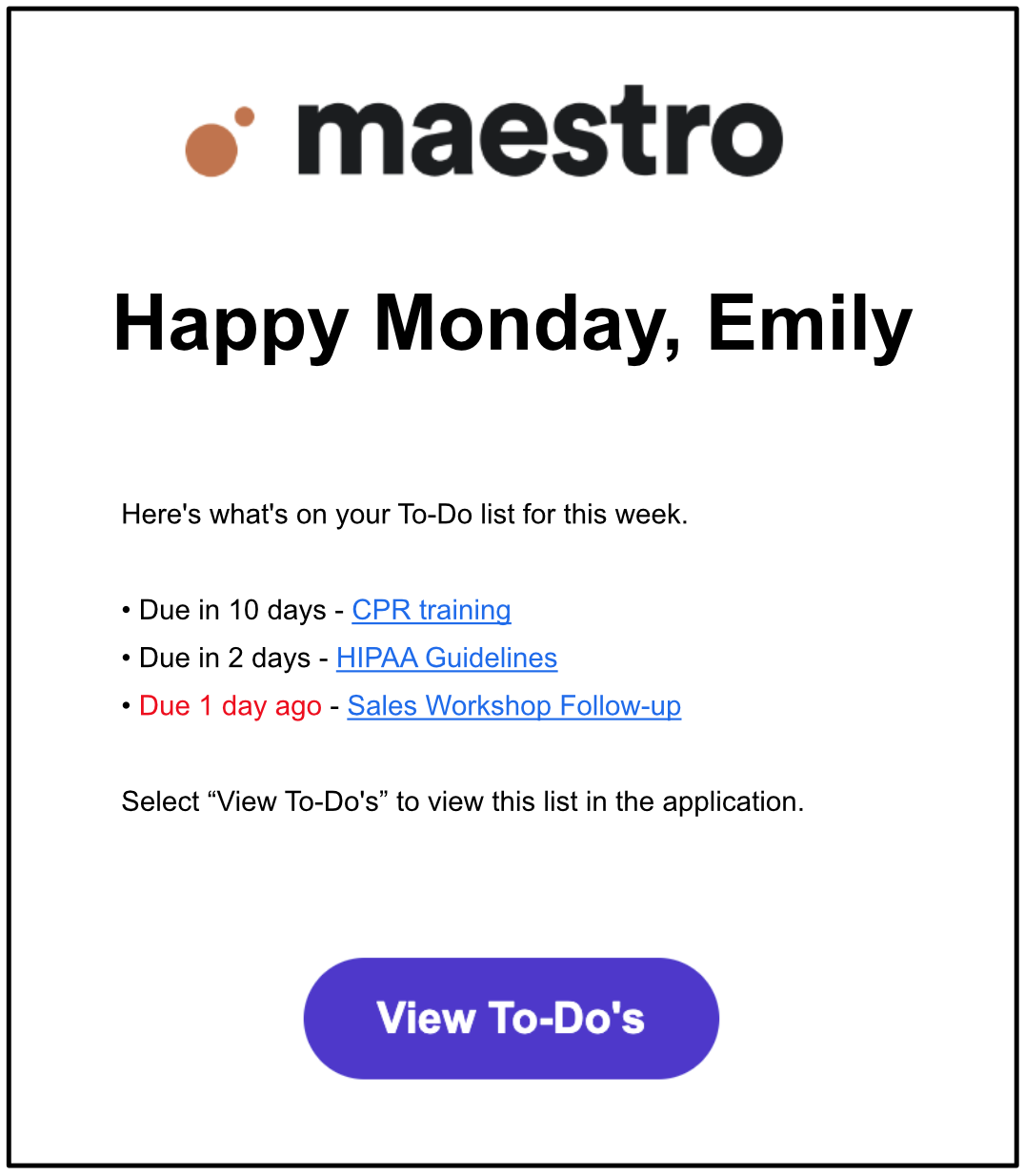
Upcoming Assignment Digest (Learners)
- A recurring email including a list of all Assignments with upcoming due dates. Sent out weekly on Mondays at 9:00 a.m. EST to all learners with Assignments due within 14 days.
-
Learner Assignments & Needs review
- A recurring email including a list of all Assignments with upcoming due dates for all Learners, as well as any items that need review. Sent out weekly on Mondays at 9:00 a.m. EST to all Coaches.
-
Send to Primary Coaches only
-
Only coaches that have been designated as a Primary Coach will receive an email. Email will only include Learners where a Primary Coach relationship has been established.
- Learn more in the article on Coaching
-
Only coaches that have been designated as a Primary Coach will receive an email. Email will only include Learners where a Primary Coach relationship has been established.
-
Upcoming expiration
- A recurring email including a list of all content with upcoming expirations. Sent out bi-weekly on Mondays at 9:00AM EST to all content owners with content expiring within 90 days.
Notification controls
Admin > Settings > Notifications > Notification Controls
This section allows a super admin to configure the ability for users to manage what notifications they receive.
Each toggle determines what settings are available to users in their profile (see below).
By default, all toggles are disabled meaning users will receive all notifications in the related section (see below) and will not have the option to configure them.
All notification settings in the user profile are turned on by default when you enable a notification control on the admin side.
- The Admin setting enables or disables the Admin section
- The Coaches settings enables or disables the Assignments and Criteria sections
- The Learners settings enables or disables the My assignments and Other sections
- The Email setting determines if the system sends an email to a user's email.
- The Push setting determines if users receive a push notification if they have the mobile app installed.
Admin Notifications
Coach Notifications
Learner Notifications
Comments
0 comments
Please sign in to leave a comment.