
We are able to bulk upload or update users upon request. Below you will see a link to a spreadsheet that contains all of the available fields associated to users. If new users are being created, firstName, lastName, email, and enabled are required. If updating users, email is a required field.
For those fields that have multiple values (roles, groups, managerEmail), use a comma (,) to separate each value. For example, managerEmail = test.manager1@abc.com, test.manager2@abc.com
Bulk User Update/Update spreadsheet
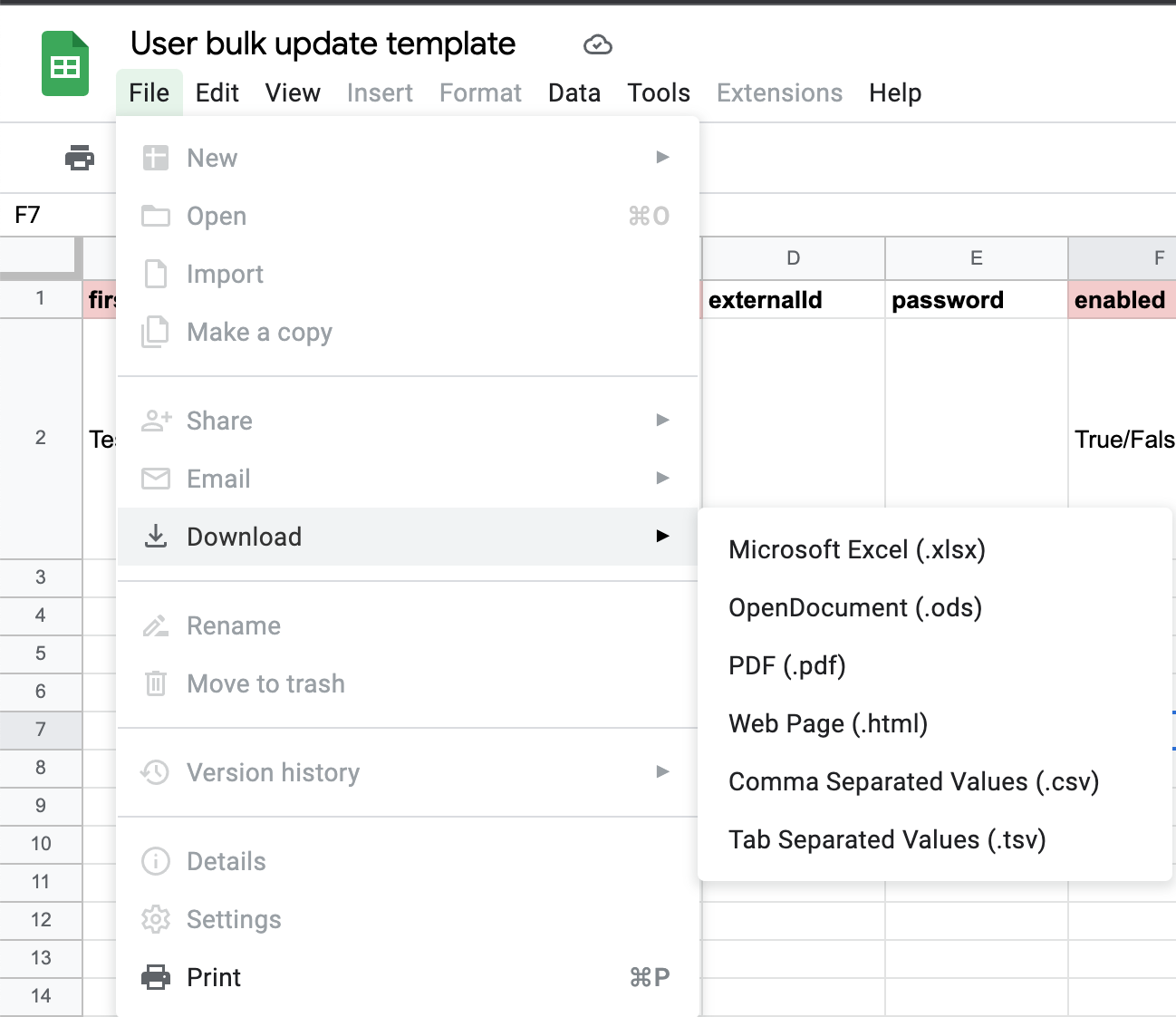
This file is read-only. To edit, please download first.
- firstName (required for new user creation)
- lastName (required for new user creation)
- email (required for new user creation), (required for user updates)
- externalId
- password
- enabled (required for new user creation)
- TRUE/FALSE
- ssoEnabled
- TRUE/FALSE
- rosterOverride
- TRUE/FALSE
- title
- division
- roles
- ADMIN, GLOBAL_VIEW_ADMIN, PEOPLE_ADMIN, CONTENT_ADMIN, GROUP_ADMIN, REPORTING_ADMIN, SUPER_ADMIN
- each role should be separated by a comma (,)
- here's a breakdown on each role
- ADMIN, GLOBAL_VIEW_ADMIN, PEOPLE_ADMIN, CONTENT_ADMIN, GROUP_ADMIN, REPORTING_ADMIN, SUPER_ADMIN
- groups
- each group should be separated by a comma (,)
- sendEmail (user creation only. Setting this to FALSE would allow users to be created without sending a welcome email)
- TRUE/FALSE
- customFields
- if there are custom fields, make a new column for each field, then add the user's values in each row.
- managerEmail
- each email address should be separated by a comma (,)
Comments
0 comments
Please sign in to leave a comment.