
When creating a website content type, the app will check to see if the URL being added can be embedded as well as show available metadata from that site. This information is determined by the hosting site and Loop will display what is available.
Embed
Embedding lets you place content directly into the app for users to view without having to leave to view it on another site. Examples of content that can be embedded are videos, PDFs, and presentations. Again this depends on what the host site allows.
Metadata
Metadata provides additional information about the linked URL. This normally includes the site's name, the page title and page description.
Configuring embedded content and metadata
- Add a URL when creating a website
- Loop will check to see if embedding is available for that URL and pull in the available metadata
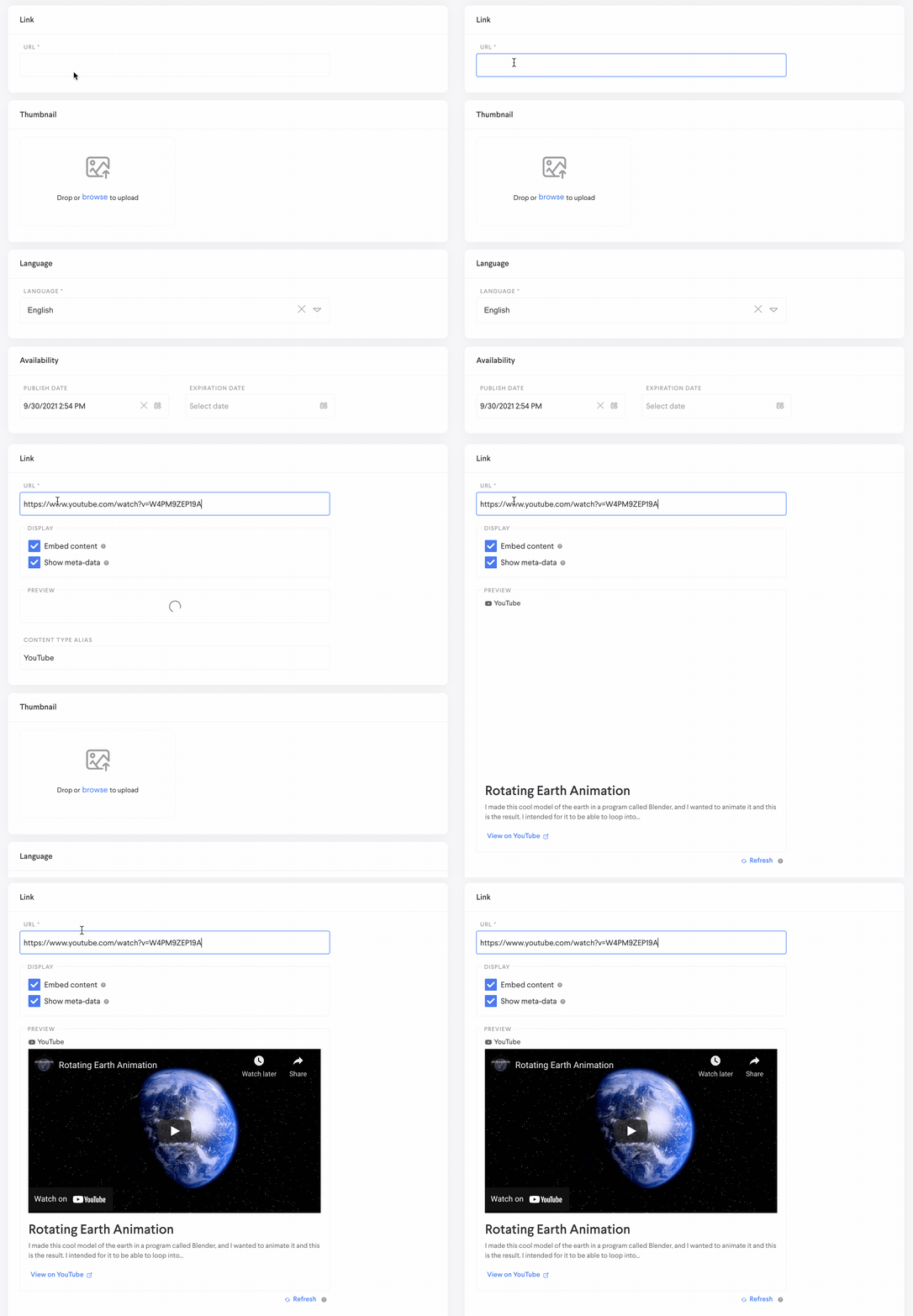
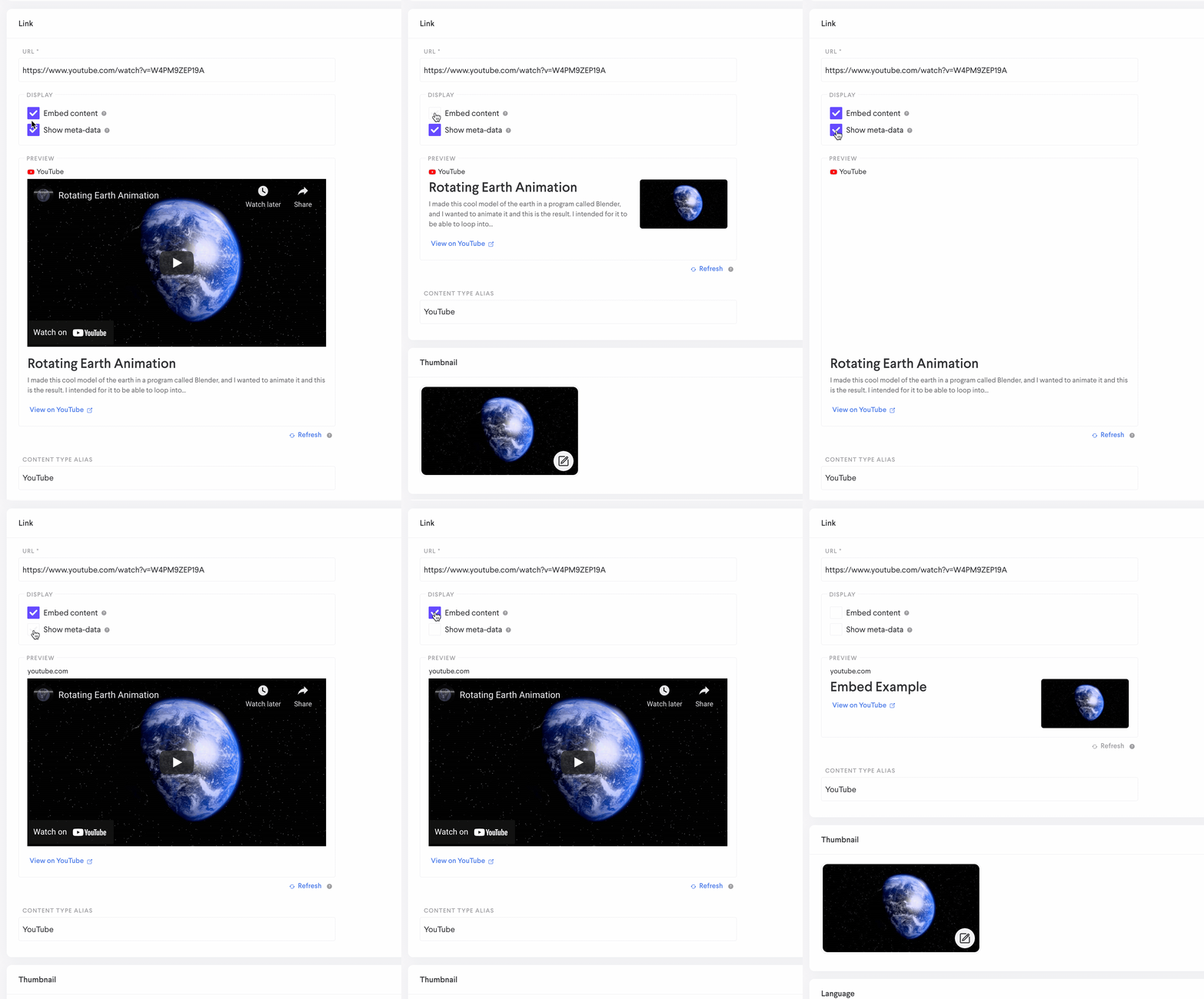
- By default, if the content can be embedded, Loop will embed it. You can choose to deselect that option if you do not want the item to be embedded
- By default, Loop will display the URL's metadata. Occasionally, that metadata may not be a good representation of what you would prefer to display to learners. If this is the case, you can deselect the option. Doing so will display the Title, description, and thumbnail you manually add in the website creation form within Loop.
Comments
1 comment
Is there a way we can embed LinkedIn Learning video links? They don't seem to automatically embed.
Please sign in to leave a comment.