
Admins can move a folder if they have edit access permissions to the folder they are wanting to move.
-
You can move a folder to be a root level folder by using the breadcrumb navigation within the dialog to select "All folders".
-
You can create new folders within the move folder dialog to place the folder wherever the admin pleases.
-
You will receive a "Folder successfully moved" toast and the screen will refresh data upon successfully moving the folder.
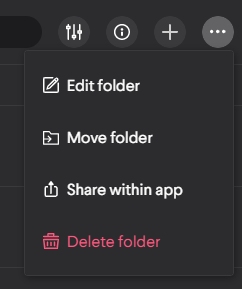
The move folder action can be found in the Admin > Folder table within the in row context menu button
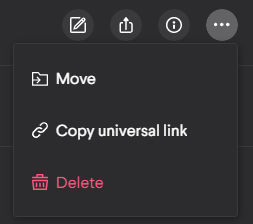
You can also find it in the triple dot context menu in the upper right when viewing a folder
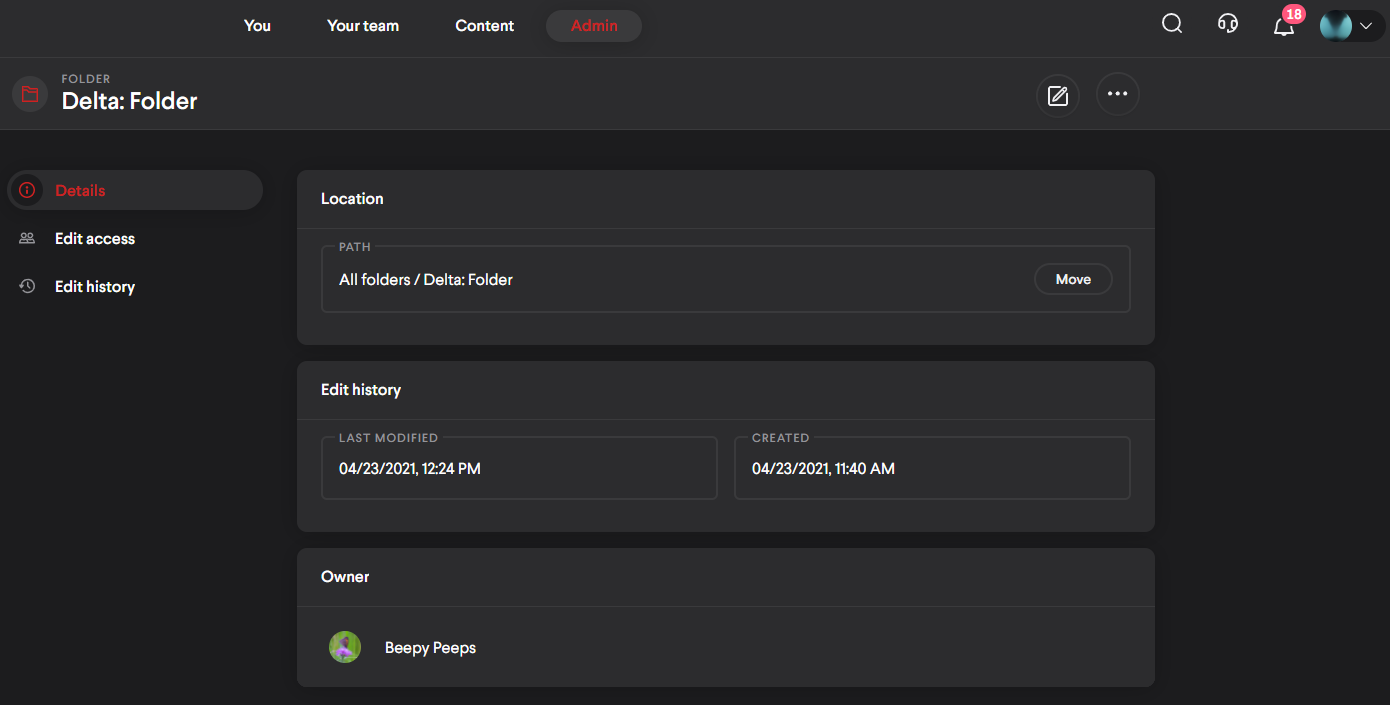
It can also be found when view a folder's detail
Comments
0 comments
Please sign in to leave a comment.